RidgeRun Embedded Test Orchestrator
🚧 Documentation is under development
The RidgeRun Embedded Test Orchestrator guide is currently under active development. Some sections may be incomplete or change without notice.
Questions? Contact RidgeRun or email to support@ridgerun.com.


RidgeRun Embedded Test Orchestrator
RidgeRun Embedded Test Orchestrator from RidgeRun


RidgeRun Embedded Test Orchestrator
As embedded products evolve, they naturally become more complex. New features, drivers, hardware support, and bug fixes are added continuously, increasing the amount of software that must be validated before every release.
In many development teams, regressions are not discovered until the QA phase. By the time an issue is detected, the change that introduced it may have been committed days or even weeks earlier, making it harder to identify the root cause and more expensive to fix. In some cases, regressions may even go unnoticed and reach production.
Late detection can also consume engineering time, delay releases, and affect customer confidence. Learn more in How Much Does a Bug Cost You?
To reduce this risk, validation should happen as early and as frequently as possible. Running automated tests after every software change, or on a regular schedule such as nightly builds, helps detect regressions while the affected changes are still fresh and easier to debug.
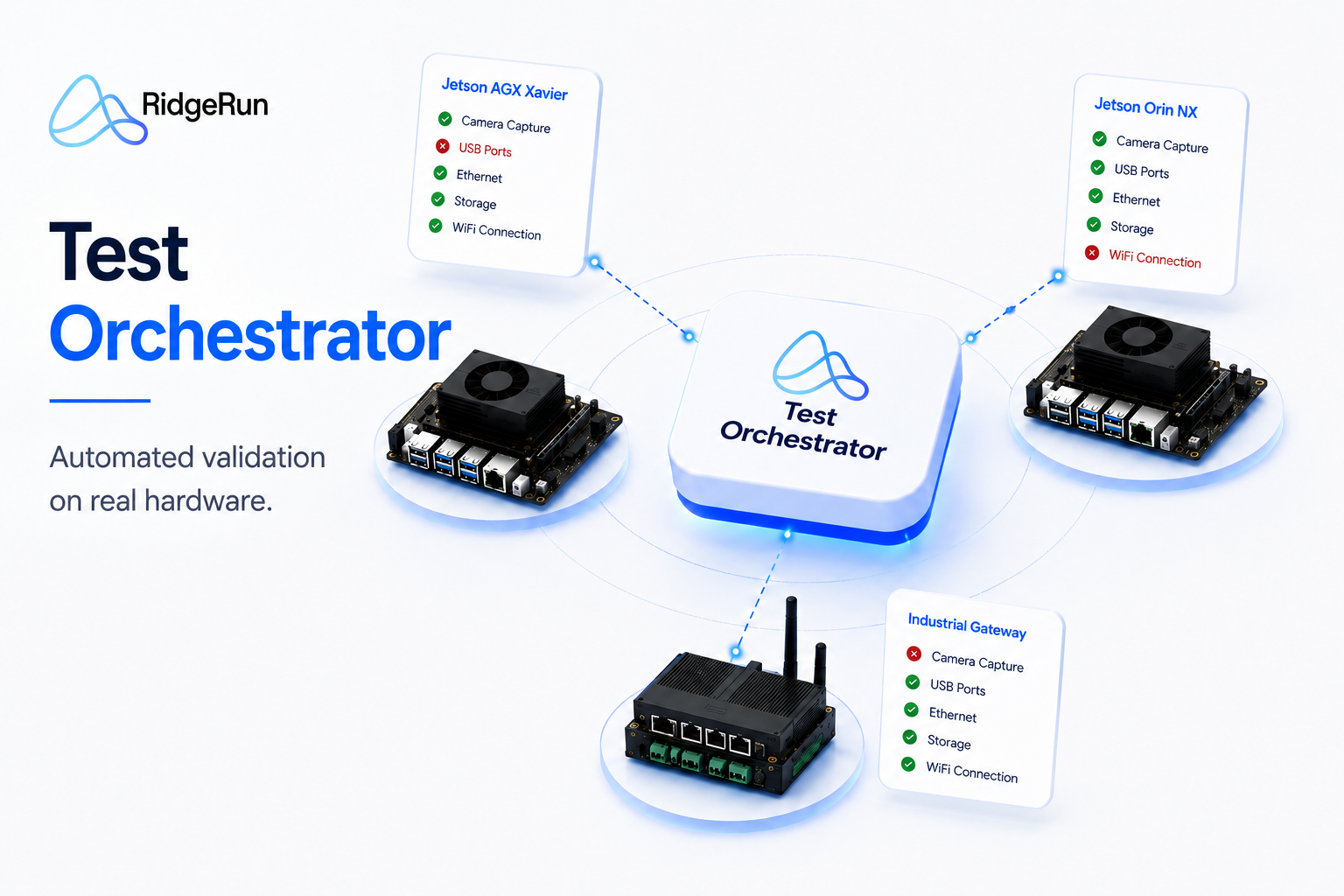
RidgeRun Test Orchestrator was created to solve this problem. It provides a framework for building automated validation suites that run directly on real hardware. Test cases are fully customizable, allowing each project to define its own validation criteria and automate the tests that matter most for its platform.
Validation suites can run:
- On demand during development
- Automatically as part of a CI/CD pipeline (Coming Soon)
- On a schedule, such as nightly validation (Coming Soon)
This provides continuous feedback and allows regressions to be detected shortly after they are introduced.
This documentation explains how the Test Orchestrator works, how to configure devices and test suites, and how to integrate automated validation into your development process.
Explore the guide
Choose a starting point based on what you want to accomplish.
Use the table of contents to access every page in the guide.

ARTIFICIAL INTELLIGENCE